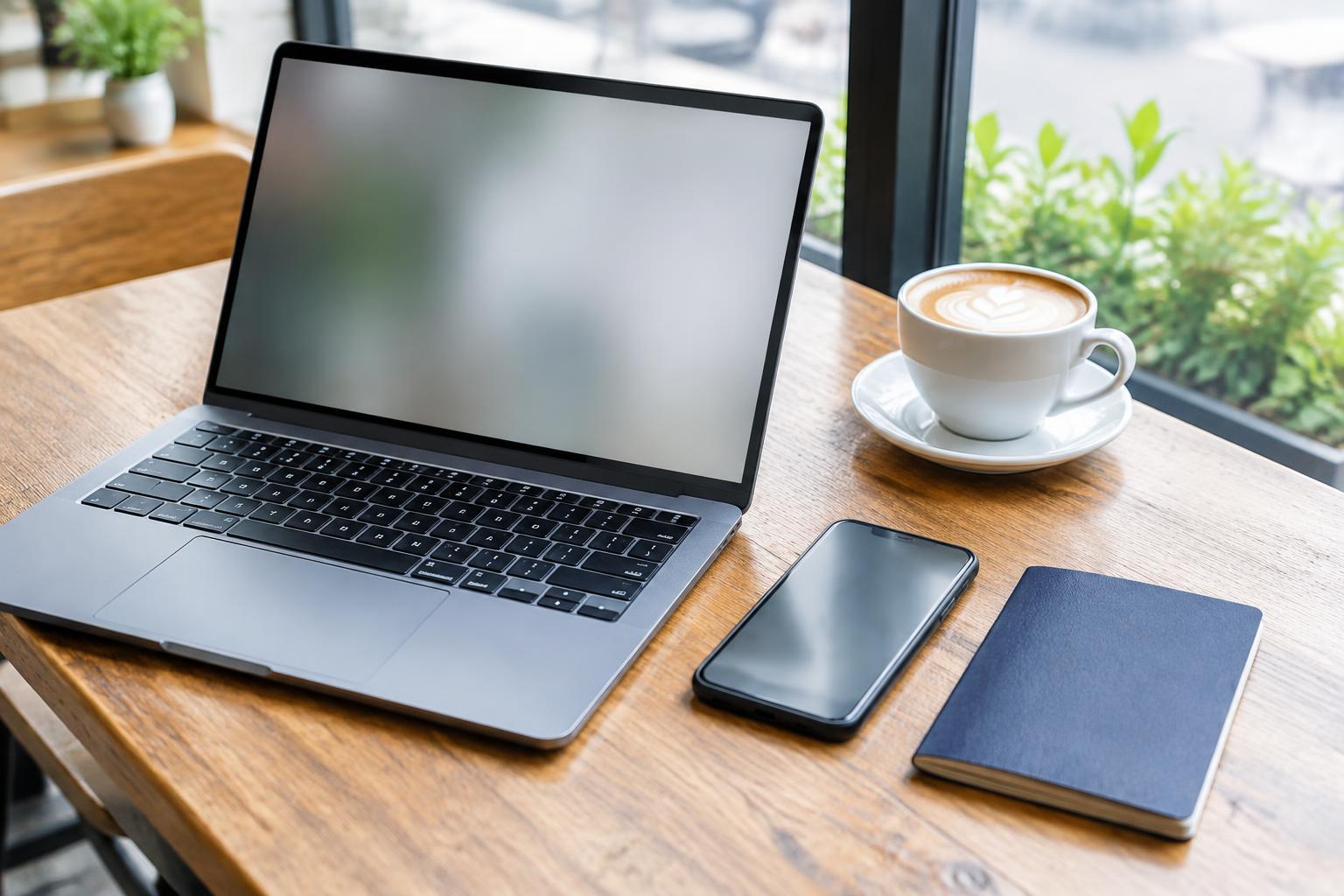
Know what public WiFi means
A network that asks for no password is open, so treat it as unsafe. A network with a password is better, but a shared hotel or cafe password is still shared with many people. Assume that others on the network may be able to see anything that is not protected.
Check that the connection is encrypted
When you send personal information, use a website that is encrypted. Look for https and a lock icon on every page, not just the sign-in page. If you end up on a page that is not encrypted, log out right away.
Save sensitive tasks for a safer connection
Avoid logging in to your bank or entering card numbers on public WiFi. If you need to, use mobile data instead, such as a travel eSIM or your phone's hotspot. Mobile data is a safer choice for sensitive tasks than a shared network.
Consider a VPN
A VPN encrypts your internet traffic and helps protect it on networks you do not control. It does not make you anonymous, and it does not protect against everything, such as phishing. VPN rules are different in each country, and some countries restrict VPN use, so check the local rules and set it up before you leave. NordVPN is one option worth considering.
Use unique passwords and a password manager
Use a different password for each website, so one stolen password does not open your other accounts. A password manager can create and store strong, unique passwords, so you do not have to remember them. Turn on two-step verification for important accounts. NordPass is one password manager worth considering.
Change a few phone settings
Turn off automatic joining of WiFi networks, so your phone does not connect without you choosing. Turn off file sharing features such as AirDrop, or set them to contacts only, when you are in public. When you finish, tell your phone to forget the network.
Confirm the network name
Ask the staff for the exact network name before you connect. Fake networks with names that look similar can be set up to trick people.
Charge your devices safely
The FBI and FCC have warned people to avoid public USB charging stations in airports, hotels, and shopping centers, because they can be used to install malware. Experts describe the real-world risk as low, but the fix is easy. Use your own charger and cable in a regular wall outlet, or charge from your own portable charger. A charge-only cable or a USB data blocker is another option.
Log out and update before you go
Log out of accounts when you are done. Update your phone and apps before you leave, because updates include security fixes.
Services worth considering
Use the buttons below to sign up, or read the full article first to see the benefits and the things to know before you start.

NordVPN
Protect your connection on public WiFi and keep your browsing more private.

NordPass
Keep your passwords and sensitive details organized in one encrypted vault.

Airalo
Land with mobile data already working.

Saily
Get mobile data abroad with an eSIM that includes built-in privacy tools.
Gear that helps
INIU 10,000mAh 45W Fast Charging Portable Charger
Why It's Worth Considering
Its compact size is the main appeal. Extra battery power is useful on travel days, and this one is small enough to fit in a backpack, carry-on, or even a pocket without adding bulk. Power banks usually must go in your carry-on, so check your airline's current battery rules.
Key Benefits
- Compact design that is easy to carry.
- 45W fast charging for compatible devices.
- 10,000mAh capacity for extra power while traveling.
- Convenient for airports, sightseeing, and long travel days.
Best for: Travelers who want backup battery power without carrying extra bulk.
Universal Travel Adapter, 25W PD, USB C and USB A
Why It's Worth Considering
One adapter that works with different outlet types can save space and replace several single-country plugs. It is one of those small accessories that makes charging much easier abroad. An adapter changes the plug shape, not the voltage, so check that your devices support the local voltage.
Key Benefits
- Designed for different international outlet types.
- Includes USB C and USB A charging ports.
- Supports compatible fast-charging devices.
- Reduces the need to pack multiple adapters.
- Convenient for charging phones, tablets, and other electronics.
Best for: International travelers visiting multiple countries.
FYY Electronic Organizer Travel Tech Pouch
A travel pouch for organizing electronic accessories and cables.
View on AmazonThe takeaway
You do not have to avoid public WiFi. Use encrypted websites, keep sensitive tasks for mobile data, use unique passwords, and bring your own charger. These habits take a few minutes to set up and help protect your accounts while you travel.
This guide is based on listings and research. I have not tested products unless I say so.
You might also like
Credit Card Safety While Traveling: How to Protect Your Money Overseas
Protect your money overseas with simple steps before you leave and while you travel.
Read the guide
Renting a Scooter or Car Abroad: What to Check First
Check the rules, insurance, and vehicle before you rent a scooter or car abroad.
Read the guide
What I Learned About Wearing Flip-Flops on a Motorbike in Thailand
A motorbike crash in Thailand taught me why flip-flops are not enough. Here is what I would wear instead.
Read the guide